Apply for Membership
Click here for BNI’s application portal
If you do fill out an application, or someone asks you for help filling out this application, please email John Hilliar (jhilliar@gmail.com) so I can make sure things work on the BNI-side and nothing lost inside the application process within the larger BNI system.
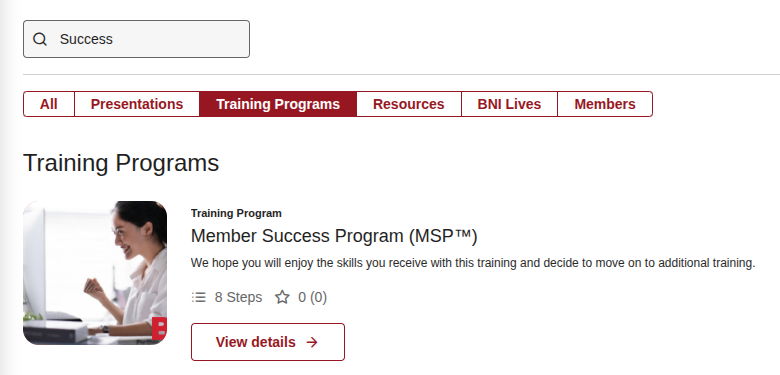
MSP Training
Renewal
Login to BNI Connect: https://www.bniconnectglobal.com/web/dashboard
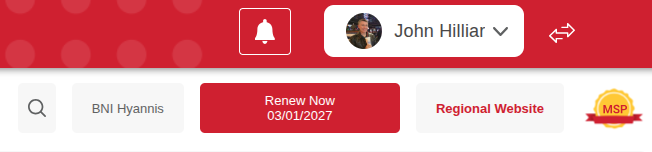
Click on the “Renew Now” text to walk through the process and pay online.
Substitutes
If you need a substitute and are unable to find one on your own, feel free to leverage this list: Substitutes
P – present: you are in the room on-time
A – absent: you missed the meeting
L – late: you arrived after the first elevator pitch
M – medical: you have medical leave
S – substitute: a person attended on your behalf
Presentation
Tips and tricks for the week before your presentation:
- Email your presentation to the president in case you have technical issues so that we have a backup plan.
- Test your laptop, tablet, or phone the week before your presentation. Stay after the meeting and test to ensure you can use the projector successfully and project your slides/pictures.
- If you need to borrow a laptop, arrange with John for a loaner.
